- Create Project via PyCharm
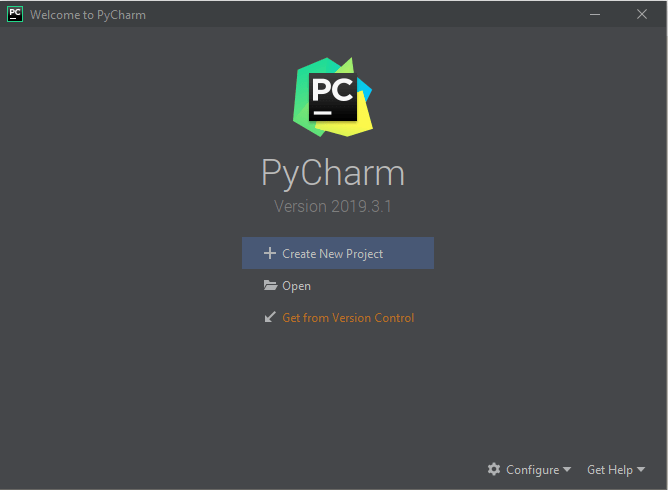
Open PyCharm and click on “Click New Project“
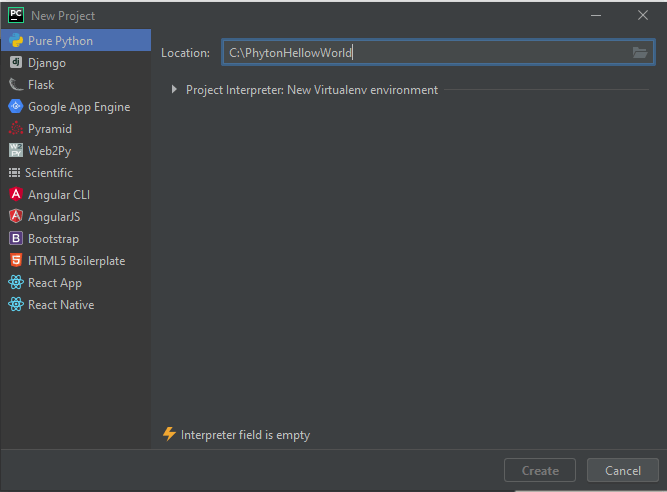
Specify the location of the project.
Click on “Project Interpreter” settings, it will automatically populate the values of the interpreter and then click “Create“.
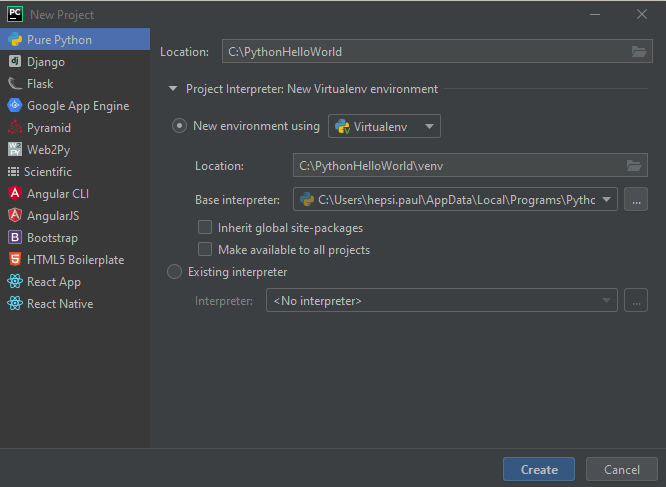
The project will be created as shown.
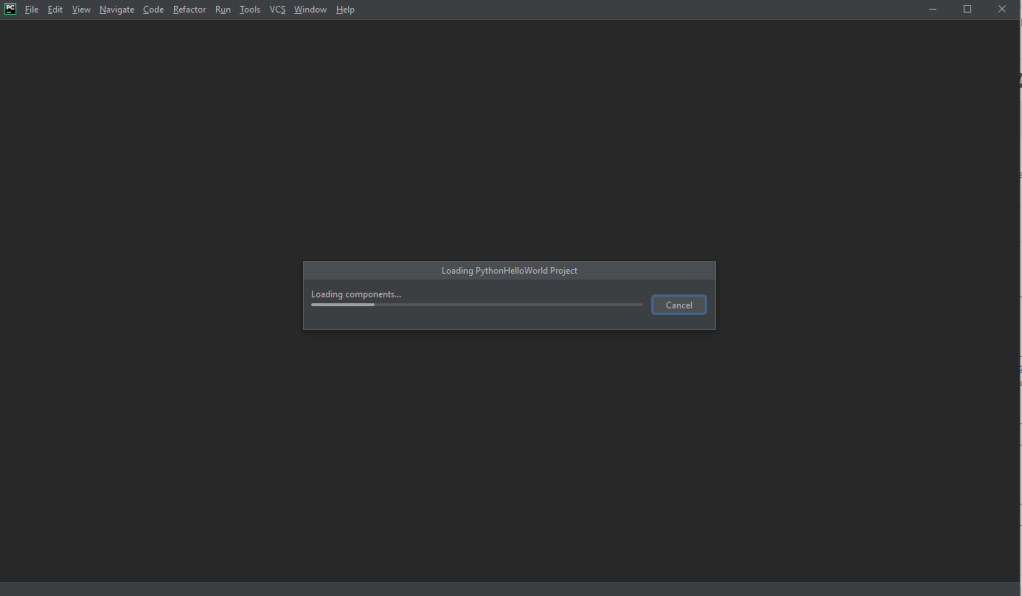
Once the project is created, right click on the project name, select new and select “Python File“
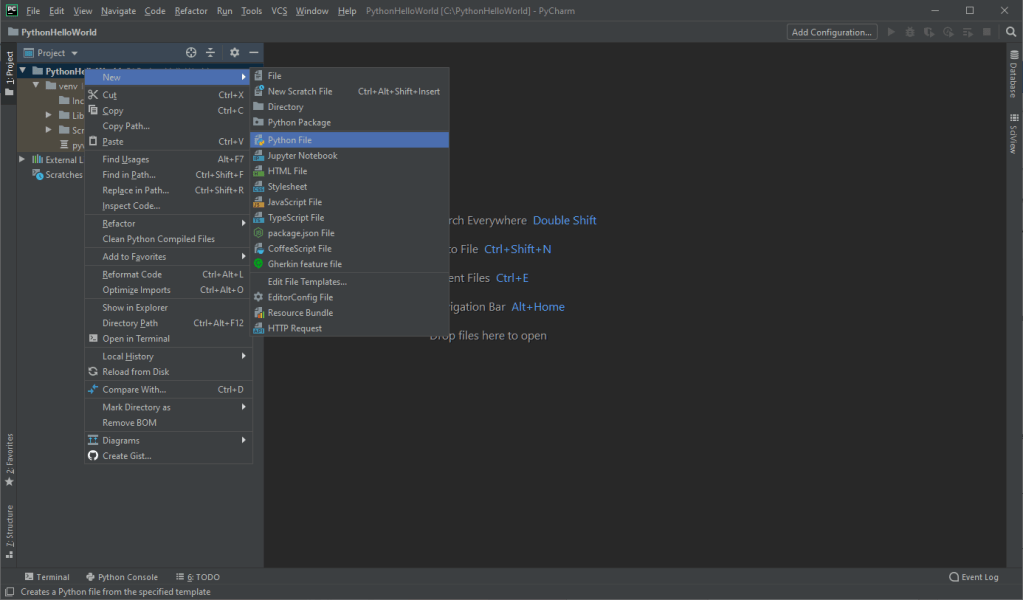
Give the name of the file as “HelloWorld“. Automatically HelloWorld.py file will be created.
Now just type, Print(“Hello World from Python” and right click the file, and select “Run Hello World in terminal“
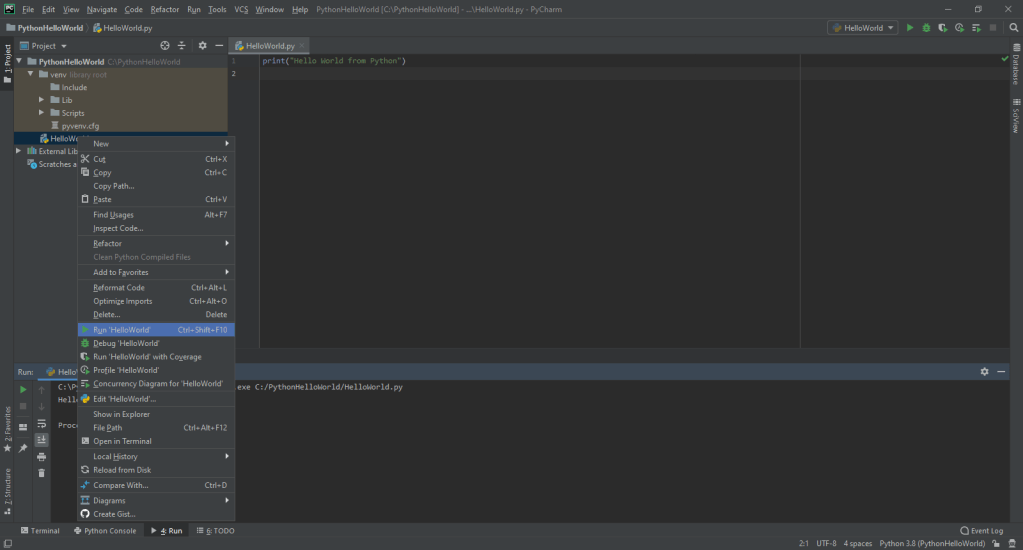
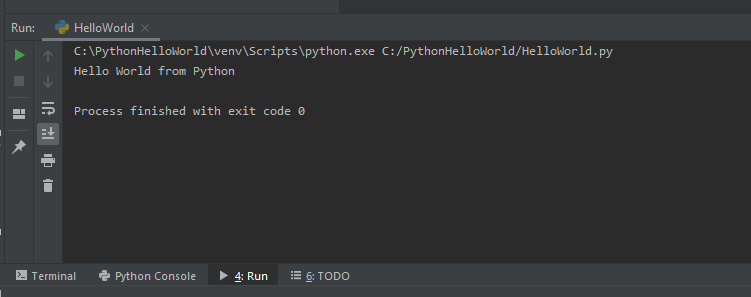
In the terminal, you can see the message that is written inside the print statement.
Similarly, in Visual studio code, create a project and click on “Run” button.

You can see the output of the program in the terminal as shown below.
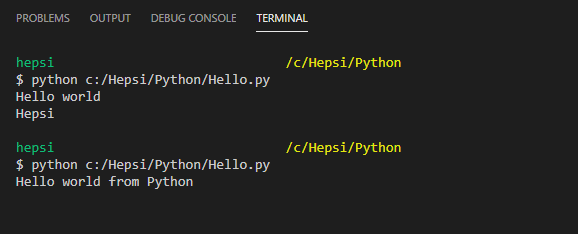
We have successfully created our first program in PYTHON.
 Learn Python