Visual studio code is free and available for all type of Operating System.
First step would be to install visual studio code.
- Download visual studio code from the link below and click on the corresponding button based on your Operating System. https://code.visualstudio.com/download
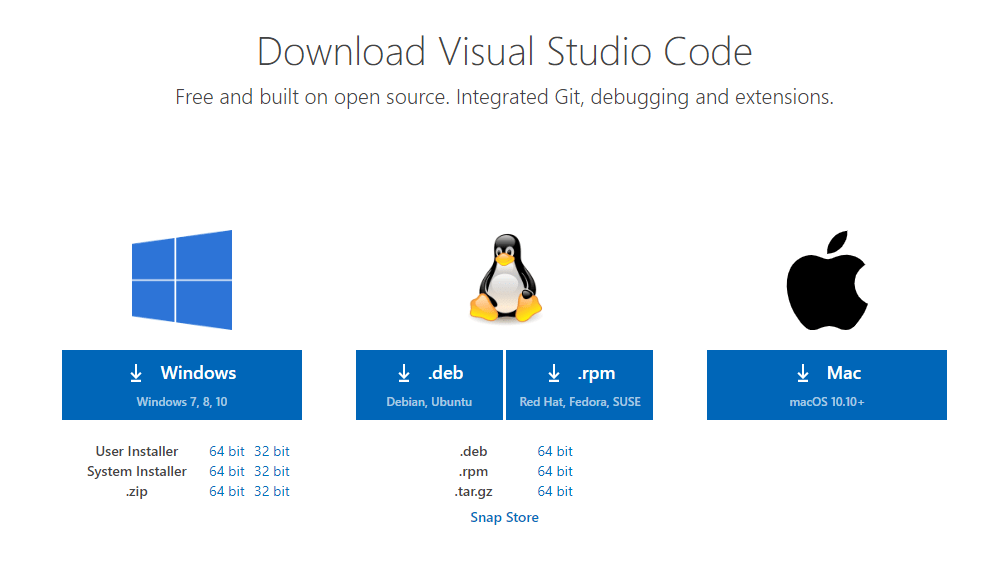
I am downloading the windows installer. An .exe file like shown below will be downloaded.

2. Double click the installer, and install the Visual studio code.
3. Once, the installation is complete, you can open Visual studio code which is something similar like below.
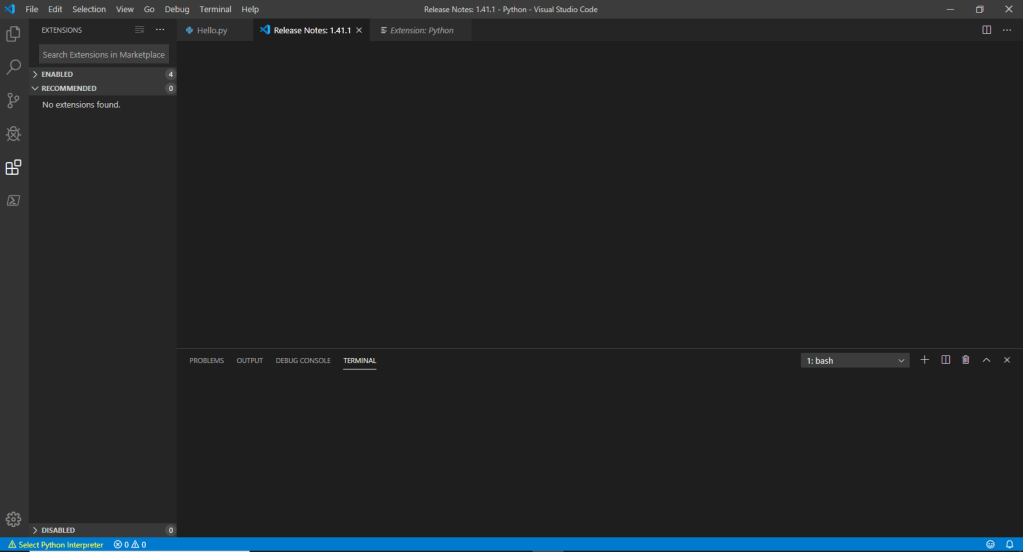
4. Once, this is done, we need to enable Visual studio code such that we can create Python files.
We should have python installed in the machine. To install python, please check my previous post.
5. After installing python, in the Visual studio code, click on “Extensions” and search for Python.

6. Select the first extension that is shown above and click on “Install” button.
7. Now we are done, setting up both PyCharm and Visual studio Code so that we can start creating Python code.
Check my next post on creating our first Python program.
References for this post:
https://code.visualstudio.com/docs/python/python-tutorial
https://marketplace.visualstudio.com/items?itemName=ms-python.python
https://www.python.org/downloads/
 Learn Python