First step to start learning Python is to install python.
Go to the site ” https://www.python.org/” and click on “Downloads” -> “All releases”
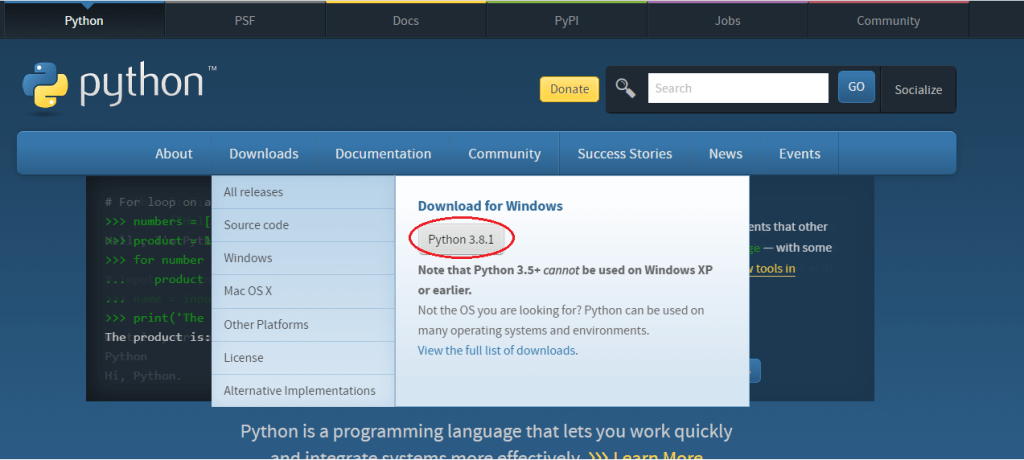
The latest version of python is 3.8.1 when writing this. It downloads the exe file as shown below.
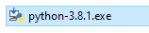
Double click on python-3.8.1.exe to run the file. It will open an installation window.
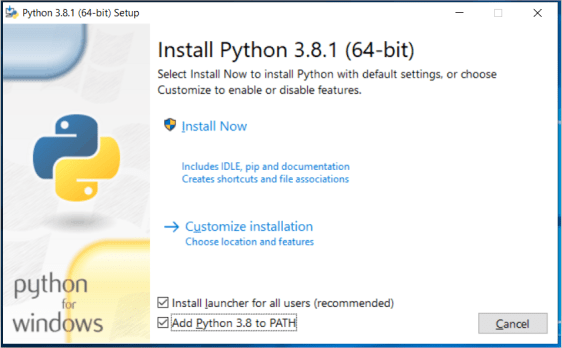
Note: Make sure you check the last checkbox “Add Python 3.8 to PATH”. This will update PATH in system with the path of Python installation without which it will not work as intended.
Click on “Install Now” after checking the checkbox, it will install python.
Once, the installation is done, click on “Close” button.
Now Python is installed in your system. Now, we are good to start working in Python.
But, we need an IDE (Integrated Development Environment) to do so. However, we can use notepad as well as an editor.
If we use any supported IDE’s like pyCharm, visual studio code, we get to use all the advanced features like intellisense, hints, etc.
I will explain next on how to install pyCharm and Visual studio code. You can use whichever tool you would like to.
Please check my next post on how to install pyCharm.
 Learn Python